
Pinterest Video Download Quality, Explained
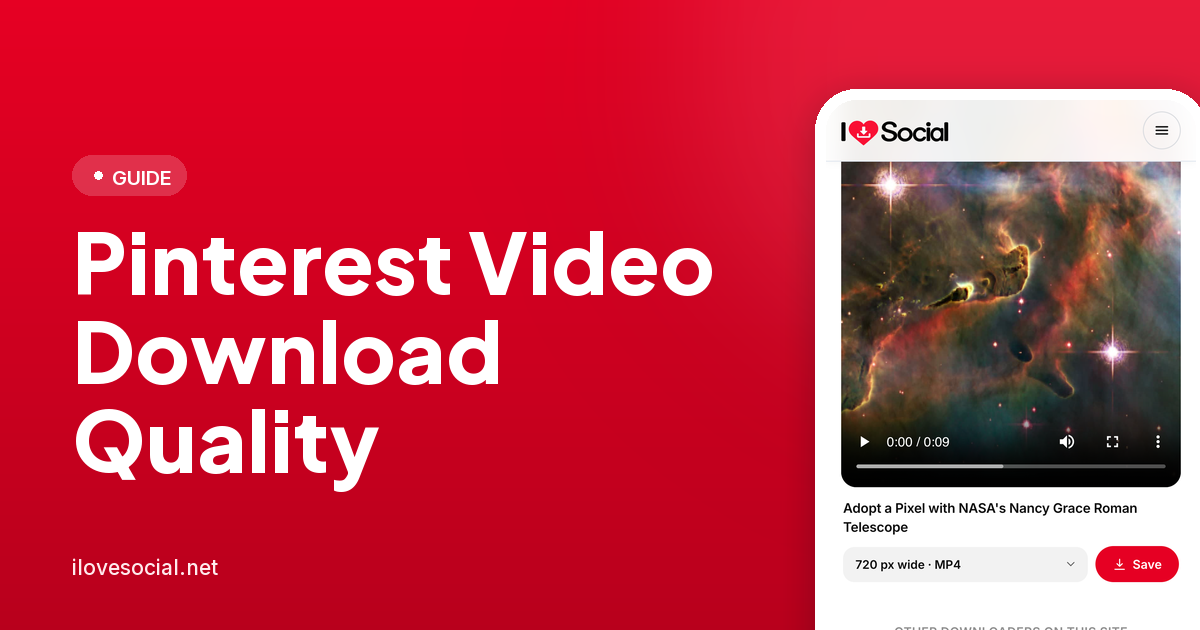
A downloaded Pinterest video can only be as good as what Pinterest actually stored for that pin — no downloader, however well-built, can add detail that was never captured in the original upload. Here’s what actually determines quality, and what’s realistic to expect.
Resolution: what Pinterest typically offers
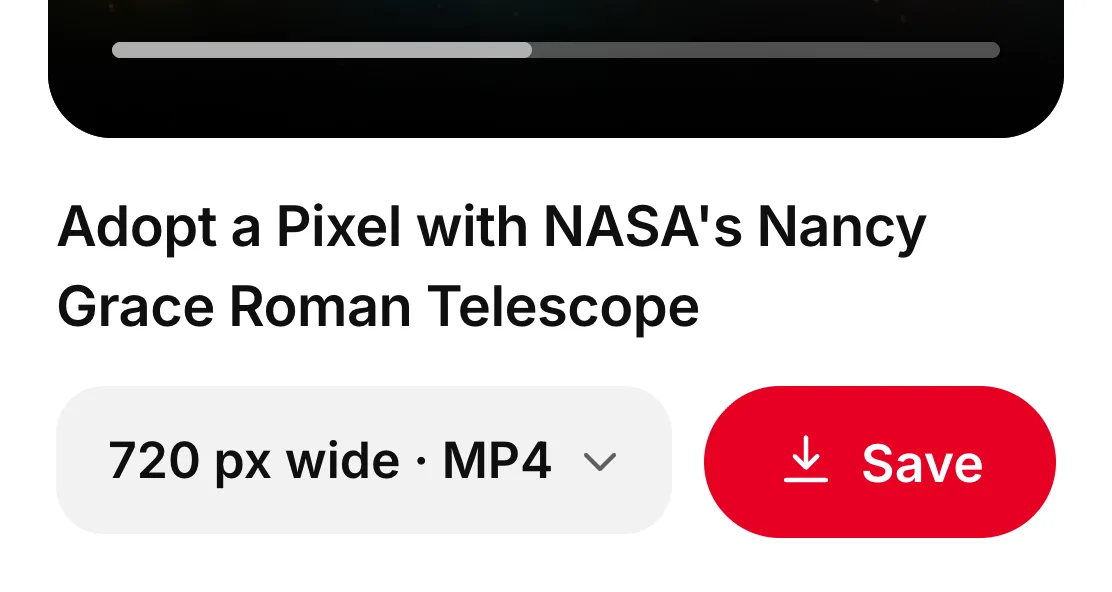
Most Pinterest videos are available for download somewhere in the 720p to 1080p range, matching what the original creator uploaded. True 4K source video exists on Pinterest, but it’s the exception rather than the norm — most content pinned to the platform was never uploaded at that resolution to begin with. A downloader that returns “4K” when the source was genuinely 1080p is upscaling, not recovering hidden detail; the result may look sharper at a glance but doesn’t contain more actual visual information than the original file.
Why mobile playback sometimes starts blurry
On the Pinterest app, a video pin often begins playing at a noticeably lower resolution — sometimes as low as 360p — for the first second or two, before snapping to its proper quality once the full-resolution stream catches up. This is a deliberate buffering behaviour, not a sign that the video itself is low quality: Pinterest starts playback fast with a smaller file while the better version loads in the background. It’s worth knowing this before assuming a video is low-resolution based on how it first appears on screen.

Why downloaded quality sometimes looks different from what you saw on Pinterest
A video that looked sharp while scrolling through Pinterest can occasionally look different once downloaded, and the explanation is almost always about which version got captured, not a flaw in the download process. If a tool grabs the video during that initial low-resolution buffering window rather than waiting for the full-quality stream, the result reflects that early, lower-resolution version. A properly built downloader waits for and requests the best available rendition rather than whatever loads first.
Frame rate and smoothness
Resolution isn’t the only factor in how a video looks — frame rate matters too, and it’s determined by the original upload the same way resolution is. Pinterest doesn’t alter a video’s frame rate during download; what you get matches what was uploaded, whether that’s a smooth 30fps clip or something shot and uploaded at a lower frame rate originally.
Audio quality and presence
Audio, when present, downloads at whatever quality the original file had — no compression or quality loss is introduced specifically by the download process. Some Pinterest videos are genuinely silent at the source, uploaded without an audio track at all, which is worth checking directly on Pinterest before assuming a downloaded file dropped the sound.
File format and why it matters less than people think
Videos download as standard MP4 files, which play natively across virtually every device, operating system and media player without needing conversion. Format itself has little bearing on perceived quality here — MP4 is a container, not a compression standard, and a well-encoded MP4 looks identical to the same footage in another common format. Concerns about quality are almost always really about resolution and bitrate, not the file extension.
Setting realistic expectations before downloading
The most useful habit is checking a pin’s visual quality directly on Pinterest, ideally after the initial buffering settles, before assuming a downloader will do better. If the source genuinely looks soft or low-resolution on Pinterest itself, that’s the ceiling any download will reflect — the tool’s job is to retrieve the best available version faithfully, not to improve on what was uploaded in the first place.

Common questions
Can I download Pinterest videos in true 4K?
Only if the original creator uploaded at that resolution, which is uncommon. Most Pinterest video content tops out around 1080p, and anything labelled “4K” from a source video that wasn’t genuinely that resolution is an upscaled, not a recovered, result.
Why does my downloaded video look lower quality than what I saw scrolling Pinterest?
This usually means the video was captured during Pinterest’s brief low-resolution buffering window rather than after it switched to full quality — a properly built downloader waits for and requests the best available version instead.
Does downloading compress or reduce video quality?
No, when done properly. The file downloads at the same resolution, frame rate and bitrate Pinterest is already serving; nothing is re-encoded in the process.
Why is there no audio in my downloaded video?
Some Pinterest videos are uploaded without an audio track at all. Check the pin directly on Pinterest for audio controls before assuming the download is at fault.
What file format do Pinterest video downloads come in?
MP4, which plays natively on virtually every device and media player without needing any conversion.
The short version
Downloaded Pinterest video quality is a direct reflection of what the original creator uploaded — not something a downloader can improve on, and not something that should vary meaningfully between a well-built tool and the source itself. Resolution typically tops out around 1080p, true 4K is rare, and anything that looks different from what you saw scrolling is almost always a buffering-timing issue rather than an actual quality loss. The Pinterest video downloader lists every resolution Pinterest holds, so the ceiling is visible before you save.