
You Don’t Need a Pinterest Account to Save Content
You don’t need a Pinterest account to save anything from Pinterest. Not a video, not an image, not a board — every tool on this site works from a public pin’s link alone, with no sign-up screen standing between you and the file.
That surprises people, because Pinterest itself nudges you toward an account at nearly every turn. Its own “Save” and “Download image” features require being signed in. The workaround isn’t a trick or a loophole — it’s simply a different starting point: instead of asking Pinterest’s logged-in interface to hand you a file, a dedicated downloader reads the same public page anyone can already see in a browser and retrieves the media directly.
Why Pinterest wants you to have an account
Pinterest’s core business is built around accounts, not anonymous browsing. Every sign-up is a user Pinterest can show ads to, track engagement from, and bring back with notifications and recommendations. Features like saving a pin to a board, building a profile, or downloading an image are gated behind an account because that gate is where Pinterest’s actual business model lives. None of that is sinister — it’s standard for an ad-supported platform — but it does mean the path of least resistance Pinterest wants you on isn’t necessarily the path that gets you what you actually came for, which is often just one specific file.
How downloading without an account actually works
A public pin is, by definition, visible to anyone with its link — no login wall sits in front of it, which is exactly why you were able to find and view it in the first place. A dedicated downloader takes that same public link and requests the underlying media file directly from Pinterest’s servers, the same servers that already serve the preview you see in your browser. Nothing about this process requires impersonating a logged-in session or bypassing any actual security — it’s using the same public access any browser already has, just retrieving the original file instead of only displaying a preview of it.
What you can download without an account
Public pins, public boards, and public profiles are all accessible without signing in, which covers the overwhelming majority of Pinterest content, since Pinterest accounts and their pins default to public. Videos, images, GIFs, carousels, and entire boards can all be downloaded the same way — paste the link, get the file, no account created on your end and no account logged into on Pinterest’s end.

What still requires an account
Private boards and secret pins are the one real exception. Pinterest deliberately restricts these to the account that created them, and that restriction isn’t something a downloader tool can or should bypass — it exists specifically to keep that content away from anyone without permission to see it. If a link returns no results, the most common explanation is that the content is private rather than that something is broken.
Saving Pinterest content for offline access
A meaningful share of the reason people want an account-free download method in the first place is offline access — recipes, tutorials, and reference material that need to be available without a working internet connection at the exact moment they’re needed. Pinterest itself has no true offline mode; closing the app or losing signal means losing access to whatever you were looking at, pinned or not. A downloaded file sidesteps that entirely: once it’s saved to your device, it’s yours regardless of connectivity, account status, or whether Pinterest’s servers are even reachable at that moment.
This matters more than it might sound. A recipe pulled up mid-cooking with no wifi in the kitchen, a workout video queued up at a gym with poor signal, a travel guide saved before a flight with no connectivity — these are the ordinary, ongoing reasons offline access to Pinterest content comes up, far more often than any one dramatic use case.
Privacy: what downloading without an account actually means for you
Using a browser-based downloader without creating an account also means there’s no account of yours tied to what you’ve downloaded — no history attached to a profile, no saved-pins list revealing your interests to anyone who might see your Pinterest account. For anyone who wants Pinterest content without building a visible footprint on the platform itself — research, reference gathering, or simply preferring not to have an account at all — that’s a meaningful difference, not just a convenience.
Comparing this to Pinterest’s own save feature
Pinterest’s built-in “Save” button does something different from downloading: it bookmarks a pin to one of your boards within your own Pinterest account, which requires being logged in and leaves the content inside Pinterest rather than putting a file on your device. It’s a genuinely useful feature for organizing pins you want to find again later inside Pinterest itself, but it doesn’t solve the problem of wanting an actual file you can open without Pinterest, without an account, or without an internet connection at all. The two features solve different problems, even though they’re easy to conflate since both start from the same “save this” impulse.
A note on what account-free doesn’t mean
Downloading without a Pinterest account doesn’t mean downloading without any trace at all on your own device, and it doesn’t make reuse of someone else’s content any more permissible than it otherwise would be. The absence of an account requirement is about access, not about ownership of what you’re downloading — the original creator’s rights to their image or video are unaffected by whether you happened to need a Pinterest login to retrieve a copy of it. Personal, non-commercial use remains the safe default; anything beyond that still depends on the original creator’s permission, exactly as it would if you’d downloaded the same file while logged in.
How to save a Pinterest image without an account, step by step
- Open the pin on Pinterest, either in the app or in a browser, without signing in.
- Tap the three dots on the pin and select “Copy link.”
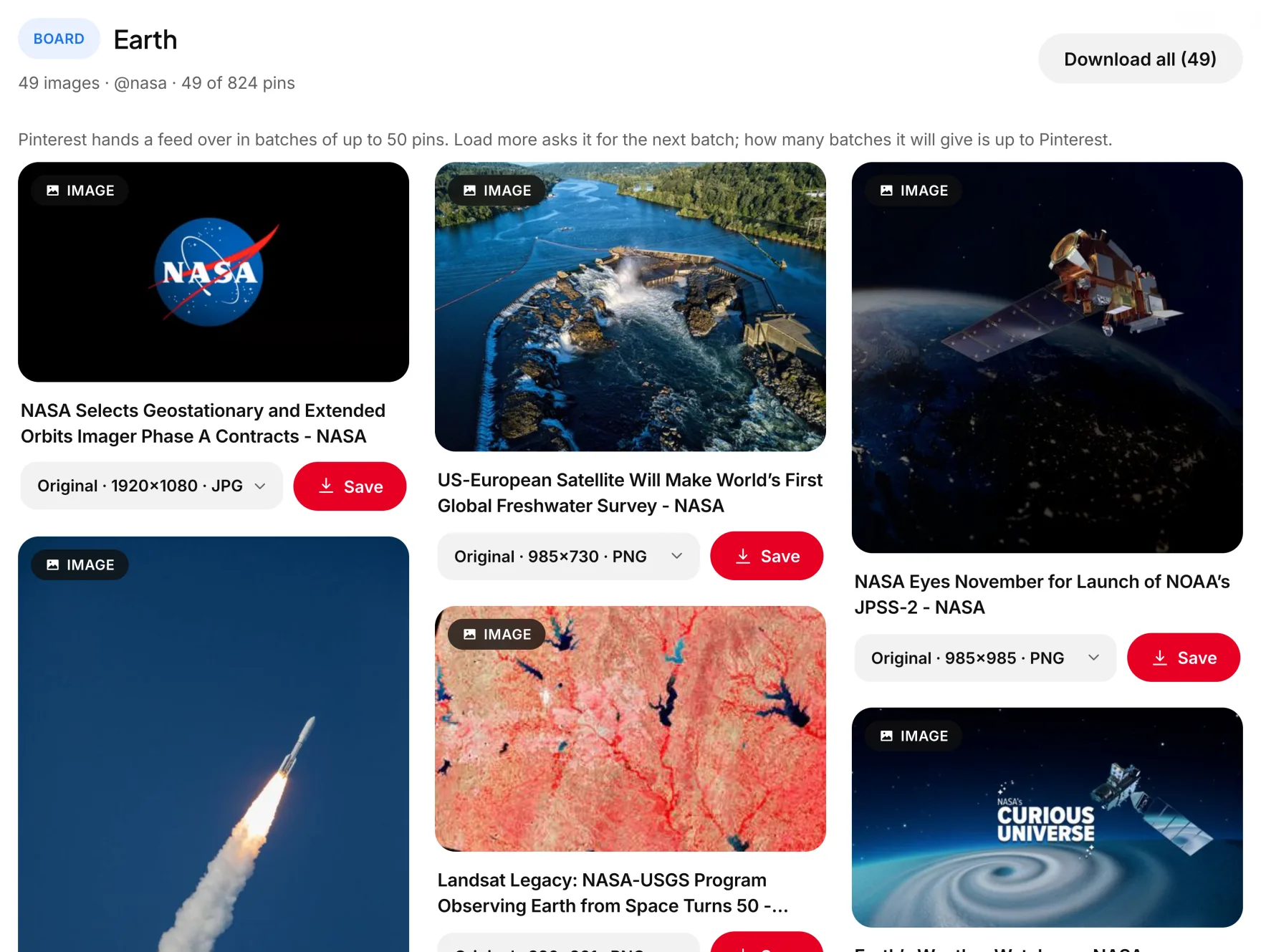
- Paste that link into the image downloader on this site.
- Download the full-resolution file when the preview loads.
Notice that step one is explicit: you can browse Pinterest and open individual pins without ever logging in. Pinterest only asks for an account once you try to do something that writes to your own profile — saving to a board, following a creator, commenting. Simply viewing and copying a link requires nothing.
Why this question comes up so often, worldwide
“How do I download from Pinterest without an account” is one of the most consistent searches around Pinterest downloading, across English and other languages alike — people search versions of “sem login” in Portuguese, “sans compte” in French, and equivalent phrasing elsewhere, all asking the same underlying question. That consistency says something: a huge share of Pinterest’s actual audience browses without ever creating an account at all, discovering pins through search engines and shared links rather than the app itself. For that audience, “do I need to sign up just to save one picture” is a completely reasonable question, and the honest answer — no, you don’t — isn’t something Pinterest’s own interface makes obvious, since every prompt on the platform nudges toward creating an account regardless of whether the task actually requires one.
Common myths about Pinterest and accounts
- Myth: You need an account just to view pins. False. Public pins, boards, and profiles are visible to anyone with the link, logged in or not — Pinterest shows a sign-up prompt after a few page views in some cases, but that’s a conversion tactic, not a technical requirement to see the content.
- Myth: Downloader tools secretly need your Pinterest login to work. Also false, at least for any tool worth using. A legitimate account-free downloader never asks for your Pinterest username or password, because it doesn’t need them — it works entirely from the public link. Any tool that does ask for your Pinterest credentials to “unlock” content should be treated with real suspicion; that’s not how public-content downloading actually works, and handing over login credentials to a third-party site is a genuine security risk regardless of what it claims to unlock.
- Myth: Content is lower quality when downloaded without an account. Also false. Quality depends entirely on what Pinterest has stored for that specific pin, not on whether you were logged in when you retrieved it. An account changes nothing about the underlying file.
Saving content across devices without an account
The process holds steady across every device, which is part of the point — nothing here depends on account-linked settings or cross-device sync. On a phone, open the Pinterest app or mobile site, copy the pin’s link, and paste it into a browser tab running the downloader. On a desktop or laptop, the same copy-link step works from either the Pinterest website directly or a shared link someone sent you. Because no account is involved, there’s nothing to sign into consistently across devices in the first place — each download stands alone, tied to nothing but the one specific link you happened to paste in that particular moment.

What Pinterest can and can’t see when you download this way
It’s worth being precise about this: Pinterest’s servers do see the request for the pin’s media file, the same way they’d see any request to load that page in a browser — that part is unavoidable and true of browsing Pinterest at all, account or not. What they don’t see is any connection to a Pinterest account, because there isn’t one involved in the transaction. No download history gets attached to a profile, because no profile exists in this process to attach it to. This is a meaningfully different privacy posture from using Pinterest’s own logged-in save feature, where every save, follow, and search is tied to a persistent account that Pinterest can quietly build an advertising profile around over time, whether or not you ever notice it happening.
Troubleshooting a download when no account is involved
If a public pin’s link doesn’t return a result, the most common causes have nothing to do with needing an account. Confirm the link came from the pin’s own “Copy link” option rather than a different kind of Pinterest URL, confirm the pin hasn’t been deleted since you found it, and confirm the content is actually set to public rather than private. These three checks resolve the large majority of failed downloads, well before “I’m not logged in” becomes a relevant explanation at all — because, in practice, it almost never is.
If a link comes back with nothing at all, the shape of the link is worth ruling out first — supported Pinterest URL formats lists every link that works and every one that cannot.
Common questions
Do I need to create an account on this site to download Pinterest content?
No. None of the tools here require an account of any kind — paste a public Pinterest link and download directly.
Can I download private Pinterest boards without logging in?
No. Private boards and secret pins are restricted by Pinterest to the account that owns them, and no account-free tool can or should bypass that restriction.
Is downloading without an account different from using Pinterest’s Save button?
Yes. Pinterest’s Save button bookmarks a pin to your own account’s board, requiring login. Downloading retrieves an actual file to your device and requires no account at all.
Does downloading without an account leave any trace on my Pinterest profile?
No. Since no Pinterest account is used in the process, nothing is added to any Pinterest profile’s history or saved-pins list.
Can I save Pinterest content for offline use this way?
Yes. Once a file is downloaded to your device, it’s available regardless of internet connection, account status, or whether Pinterest is reachable at all.
Why does Pinterest require an account for its own download features?
Pinterest’s business model depends on accounts for engagement tracking and advertising, so features like Save and Download image are built to require being signed in, even though the underlying content itself is often public.
The short version
Every tool on this site works from a public Pinterest link alone — no account, no sign-up, no login required on either end. That’s not a workaround or a loophole; it’s simply using the same public access to a pin that lets you view it in a browser in the first place, just to retrieve the actual file instead of only a preview of it. The one real limit is private content, which stays genuinely private, exactly as Pinterest intends. That’s the whole arrangement, start to finish: a public link, a direct request to Pinterest’s own servers, and a file on your device — nothing more complicated than that, and nothing requiring an account anywhere along the way.