
Pinterest Download Times: What’s Normal, What Isn’t
A Pinterest download that takes two or three seconds is normal. One that takes thirty seconds or more, for an ordinary single pin, usually signals something worth checking rather than just a slow connection. Here’s what actually determines download speed, and when a wait is a sign something’s wrong.
What a normal download actually looks like
For a single image, GIF or short video pin, the entire process — from pasting a link to having a file ready — typically completes in under ten seconds on an ordinary internet connection. Most of that time is the tool identifying the pin and locating the media file; the actual file transfer for a single pin is usually the fastest part of the whole process, often taking only a second or two once it starts.

Why longer content takes longer, proportionally
Pinterest allows standard video pins up to 15 minutes long, with a 2GB file size ceiling — a meaningful range between a 10-second clip and a 15-minute tutorial. Download time scales with file size more than with the number of pins involved, so a single long, high-resolution video can reasonably take longer than batch-downloading several short clips. This is simply the nature of larger files taking proportionally longer to transfer, not a sign of a problem.
Why board and profile downloads take noticeably longer
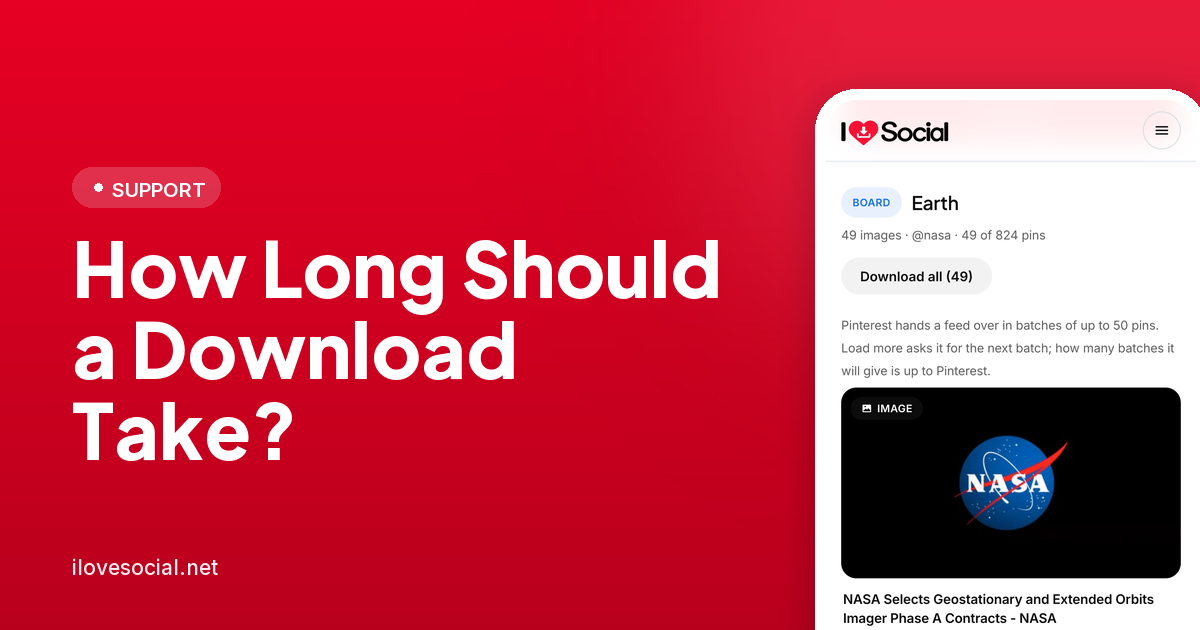
Downloading an entire board, or every pin from a profile, is a fundamentally different task from downloading one pin — every single pin has to be individually located and queued before the batch download even begins. A board with 20 pins might finish in under a minute; one with several thousand can reasonably take several minutes just to fully enumerate everything before downloading starts. This waiting period is proportional to the size of the collection, not a sign that anything has stalled.

When a wait actually signals a problem
If a single-pin download — image, GIF or short video — takes more than thirty seconds or so with no progress indicator moving, something is more likely wrong than simply slow. The most common causes: a weak or unstable internet connection interrupting the transfer repeatedly, heavy server traffic on the downloading tool’s end during a busy period, or occasionally Pinterest itself having intermittent delivery issues for a specific piece of content. None of these are permanent; waiting a few minutes and retrying resolves the large majority of unusually slow single-pin downloads. The full troubleshooting guide covers the failures that are not about speed at all.
Connection quality matters more than device
A download running on a strong Wi-Fi connection will reliably outperform the same download on weak or congested mobile data, regardless of which phone, computer or browser is being used. For anyone downloading larger video files or full boards regularly, switching to Wi-Fi when available is the single most effective way to keep download times predictable and fast.

Why retrying often fixes a stalled download faster than waiting it out
A download that’s genuinely stuck rather than just slow rarely resolves itself by waiting longer — the connection or process that stalled it isn’t likely to spontaneously recover mid-transfer. Cancelling and starting over, rather than letting a stalled download run indefinitely, usually gets to a working result faster than patience alone.
Common questions
How long should a normal Pinterest download take?
For a single image, GIF or short video, under ten seconds is typical on an ordinary connection — most of that time is identifying the pin rather than transferring the file itself.
Why is my board download taking several minutes?
Board and profile downloads have to locate and queue every individual pin before the batch even begins, so larger collections take proportionally longer just to enumerate, separate from the actual file transfer time.
Is a slow download a sign something’s broken?
Not necessarily for longer or larger content, where slower is expected. For a single short pin taking more than thirty seconds with no progress, it’s more likely a connection issue or temporary server load than anything permanently wrong.
Does Wi-Fi really make a noticeable difference?
Yes. A stable Wi-Fi connection is consistently faster and more reliable than mobile data for anything beyond a single small image, especially for longer videos or large board downloads.
What’s the best way to handle a download that seems stuck?
Cancel and retry rather than waiting indefinitely — a genuinely stalled download rarely resolves itself, and starting fresh usually reaches a working result faster.
The short version
A single pin should download in a matter of seconds; boards and profiles take longer in direct proportion to how much content they actually contain, since every pin has to be found before the batch begins. Slower-than-usual single-pin downloads are almost always a connection or temporary server issue, not a sign of a broken tool — and retrying resolves the large majority of them faster than waiting does. You can see the enumeration step for yourself on the Pinterest board downloader.